
You may need to lower your speed or increase your power.
Did this solve it?
Cart
Your cart is empty
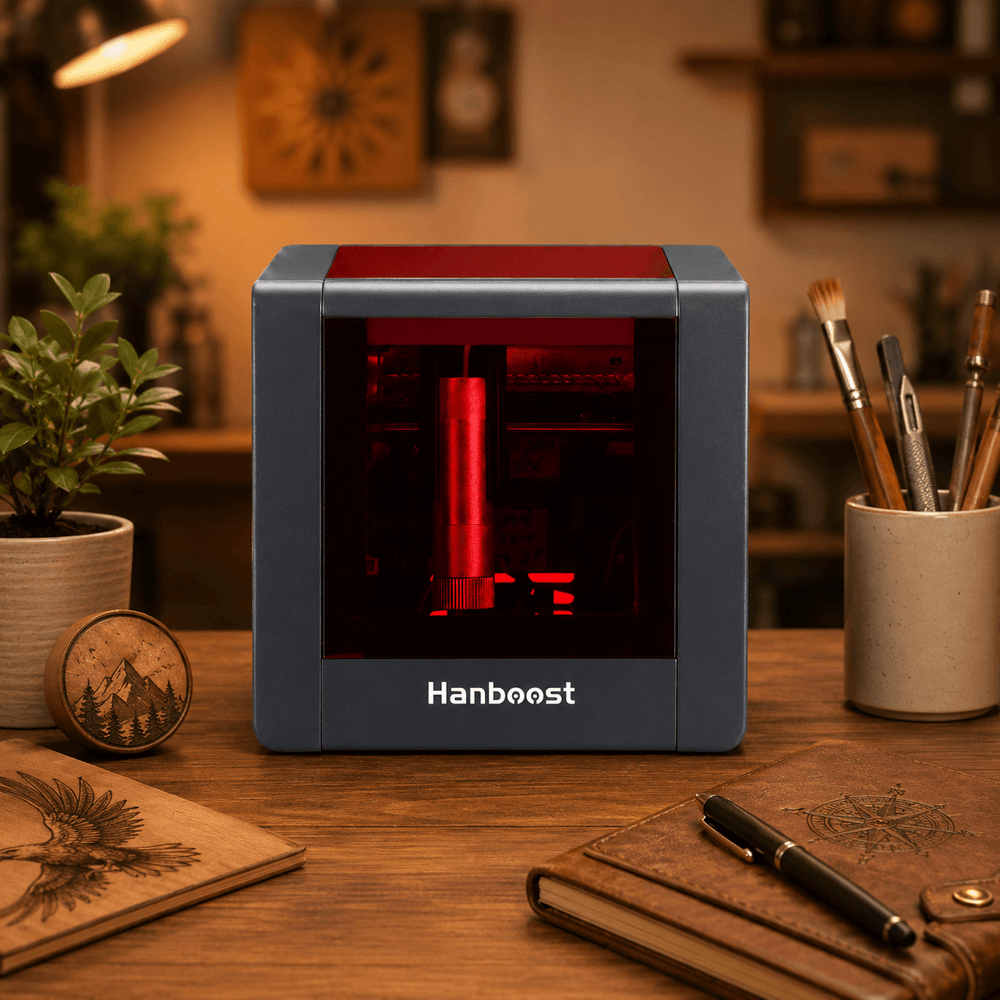
WELCOME TO HANBOOST T1
Setup video, material settings, troubleshooting and 1,000+ free designs — all in one place.

STEP 1
Unbox, set up and run your first engraving. Watching this first prevents most common issues.
 1:15
1:15
STEP 2
STEP 3
Tested starting points for common materials. Always run a small test on a scrap piece first.
| Material | Category | Speed | Power | Passes |
|---|---|---|---|---|
| Regular Wood | Wood | 500 | 600 | 1 |
| 3D Prints | Plastic | 400 | 1000 | 1 |
| Aluminum Card | Metal | 500 | 1000 | 1 |
| ABS | Plastic | 500 | 1000 | 1 |
| Envelope | Paper | 600 | 400 | 1 |
| Paperboard | Paper | 600 | 700 | 1 |
| Leather | Leather | 600 | 1000 | 1 |
| Acrylic | Plastic | 400 | 1000 | 1 |
| PCB | Electronics | 400 | 1000 | 1 |
| Phone Case | Plastic | 600 | 1000 | 1 |
Power is on a 0–1000 scale (1000 = full power). Results vary with material thickness, color and finish. Adjust in small steps.
SOMETHING NOT RIGHT?
Most issues are fixed in under a minute. Tap a question to see the answer.
You may need to lower your speed or increase your power.
This could be happen due to overpower orr focus is not adjusted corrected.
You need to make sure your WIFI is enable and connect T1 with WIFI name Hanboost-xxxx
To get a fix on our first reply, please include:
We usually reply within 24 hours on business days.
FREE DOWNLOAD
Ready-to-engrave designs for gifts, home decor, tags and more. Enter your email and the download unlocks instantly.
You'll also get project ideas and T1 tips. Unsubscribe anytime.
MAKE WITH OTHERS
Share your projects, swap tips and get help from fellow makers and our team.